Segmented reporting
Within PollHero reporting, you can create and use segments to perform more detailed analyses and deep dives.
To do this, you will find the default segment All Participants below the survey title.
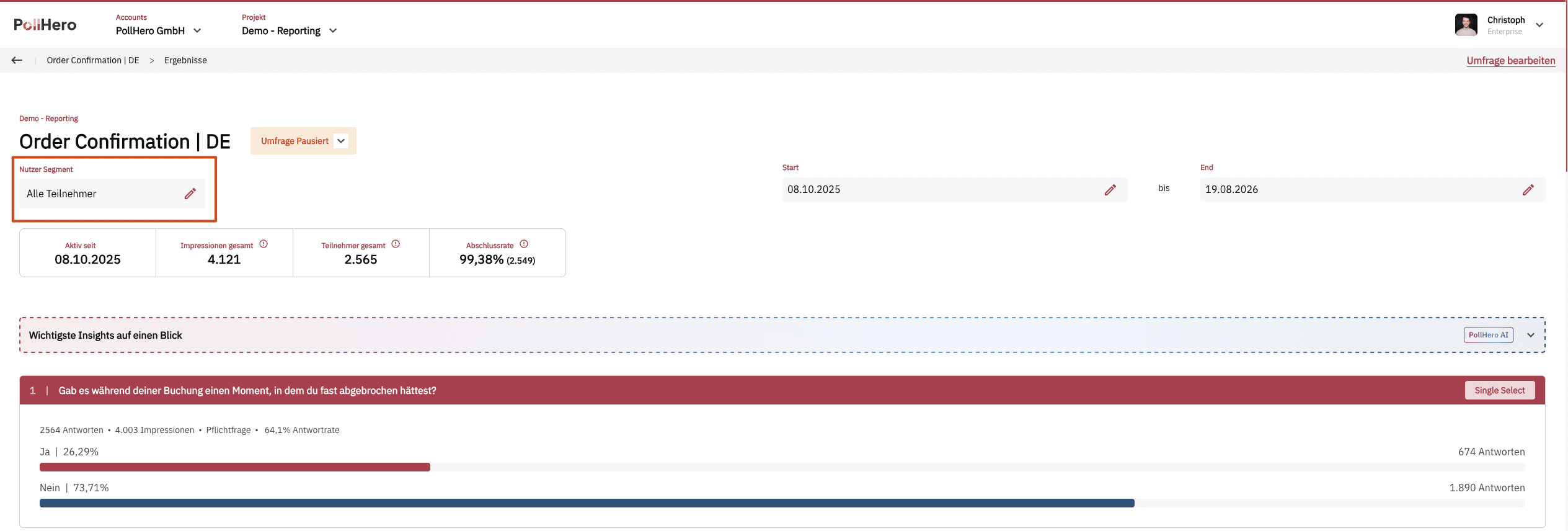
Clicking on it opens the Segments menu.
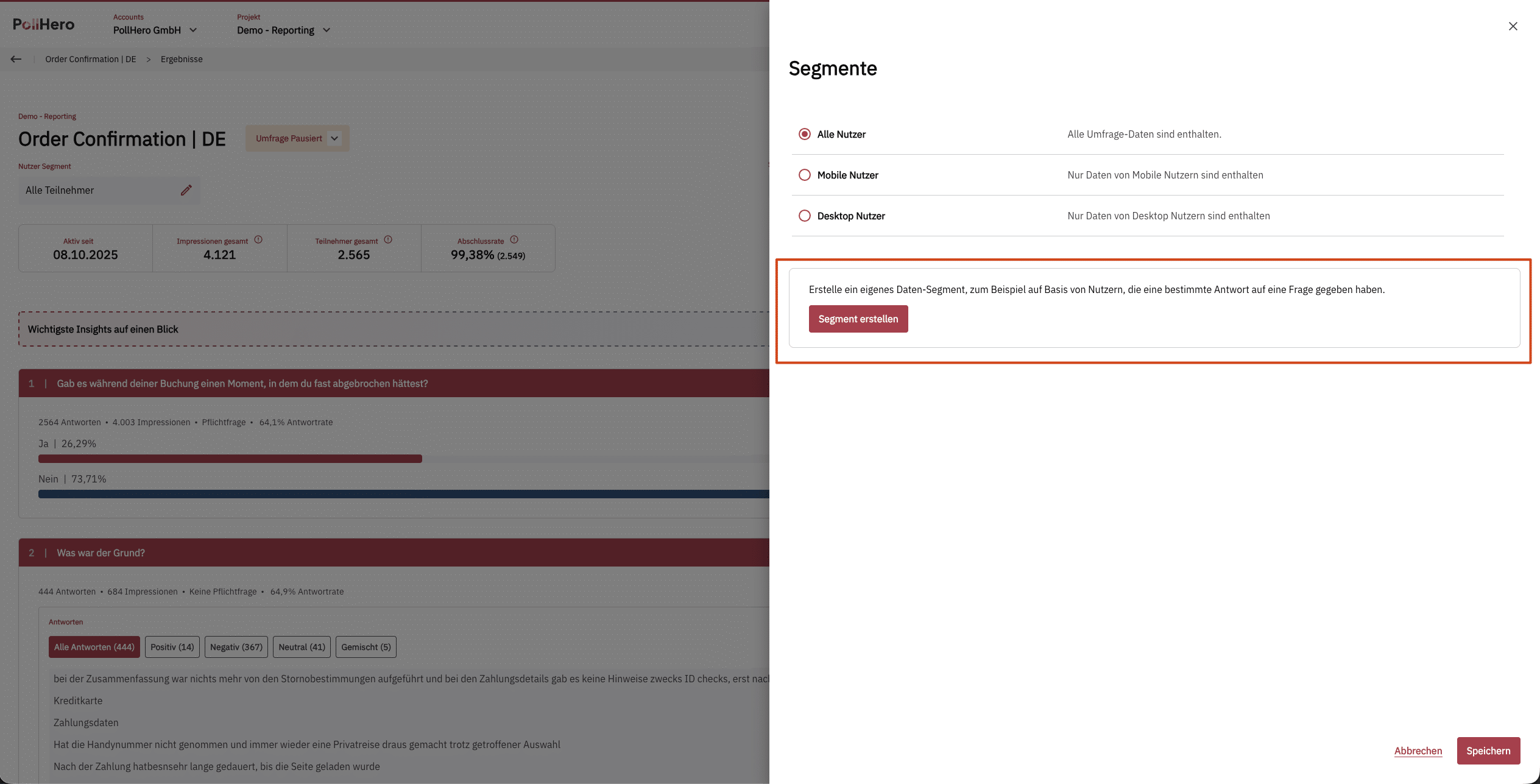
There are three default segments:
- All Participants/Users
- Mobile Users
- Desktop Users
If you want to create your own segment, you can do so using the Segment erstellen button.
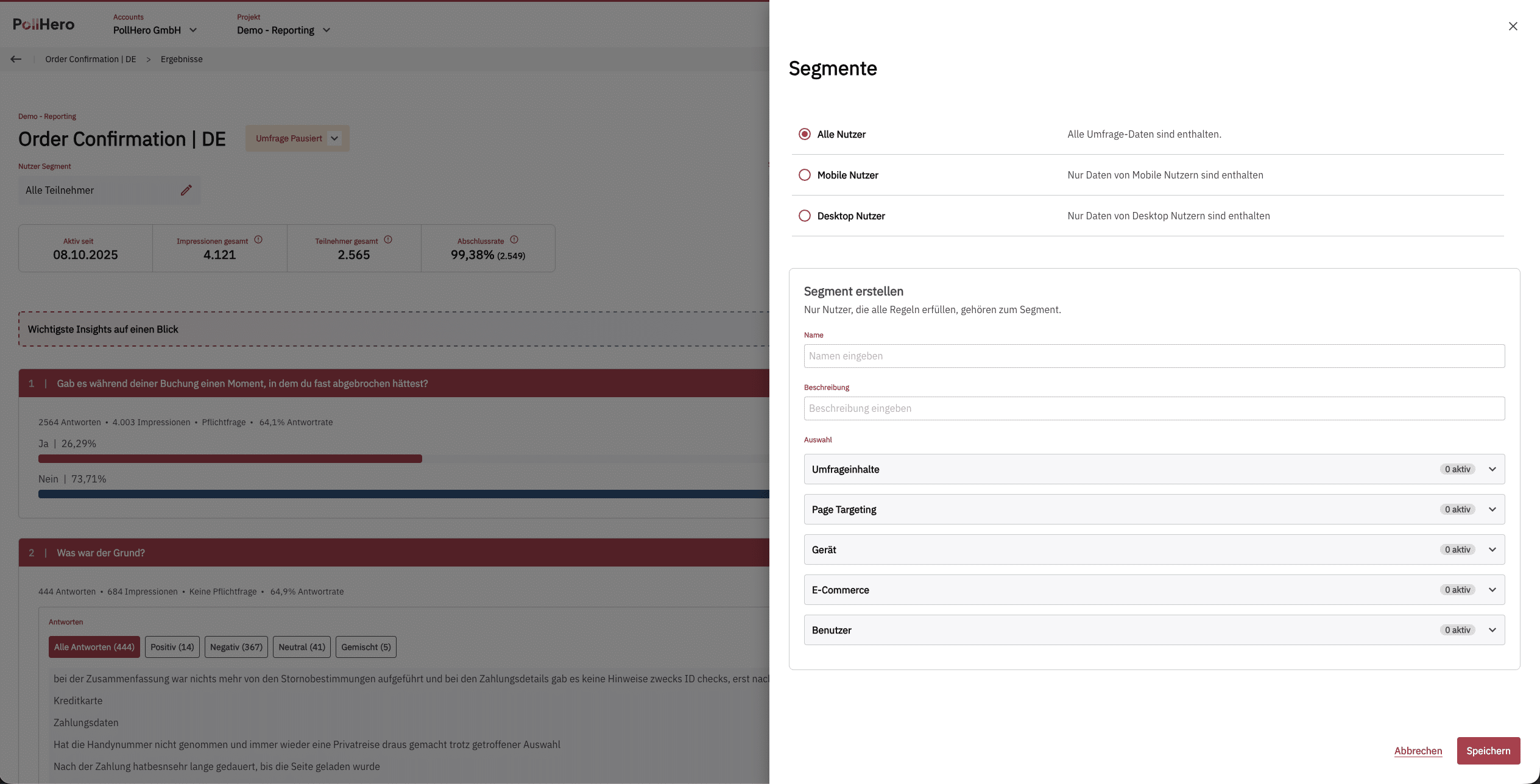
Here you can use the same categories as in targeting.
In addition, the Umfrageinhalte category is available for segmentation.
Using this category, you can segment your survey—similar to Excel—so that only responses from respondents who answered a specific question in a specific way are displayed.
For example, a segment could be configured so that you only see complete survey responses from respondents who voted as Detractors (0–6) in the NPS question:
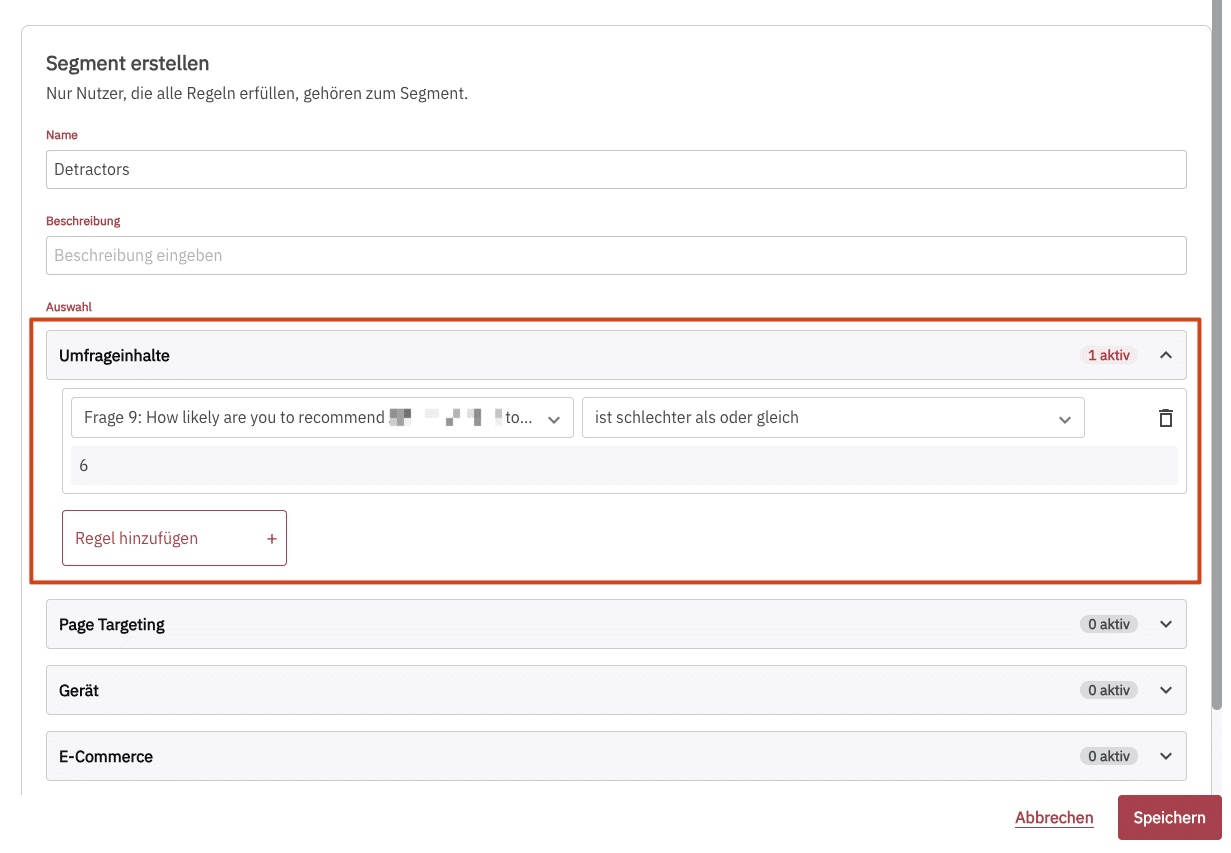
After clicking Save, the segment is saved and applied immediately.
A segment selects users, not individual participations. The reporting then shows all participations of these users. For example, if someone filled out the survey once on a smartphone and once on a desktop, both participations count in the Mobile users segment. To learn how the metrics in the reporting are calculated, see How we count impressions, responses and rates.