DocumentationDocs
WebsiteOpen app
DocumentationAPI Reference
WebsiteOpen appPollHero Documentation
View reportingHow we count impressions, responses and ratesSummary/response overviewSegmented reportingReporting: Single Select & Multi SelectReporting: Short & Long Free TextReporting: Net Promoter Score (NPS) & Rating ScaleReporting: Customer Satisfaction Score (CSAT) & Customer Effort Score (CES)Reporting: RankingReporting: MatrixReporting: Analyze sentiment
Reporting

Summary/response overview

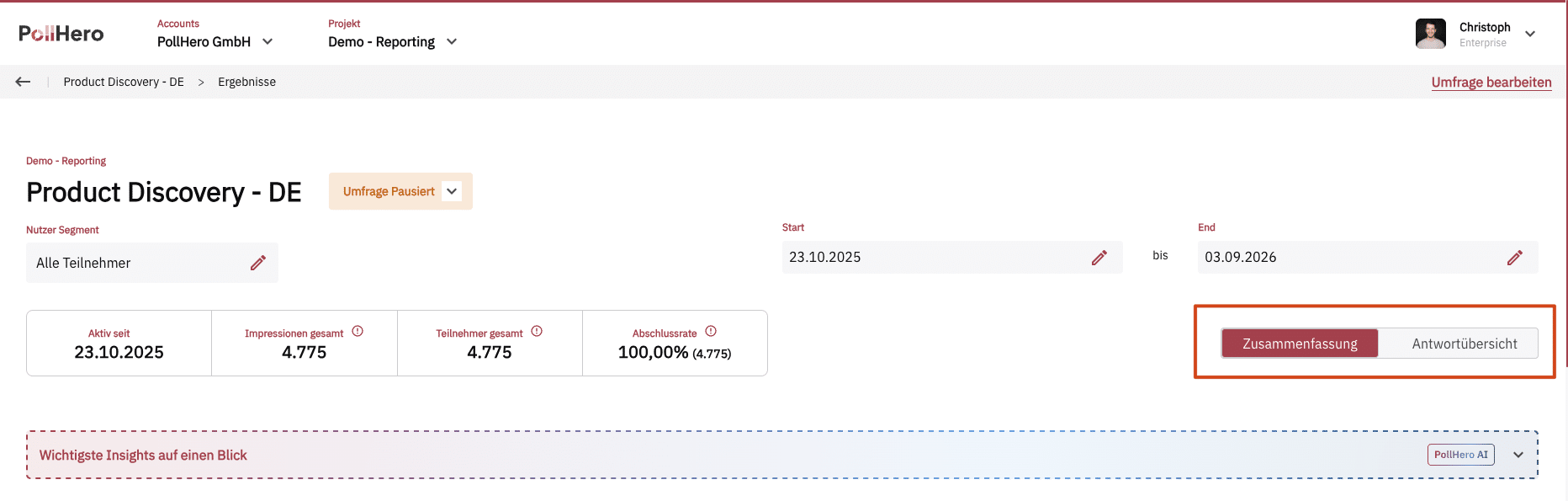
The default view for evaluation is the Summary. The Response Overview is available as an optional, alternative view.
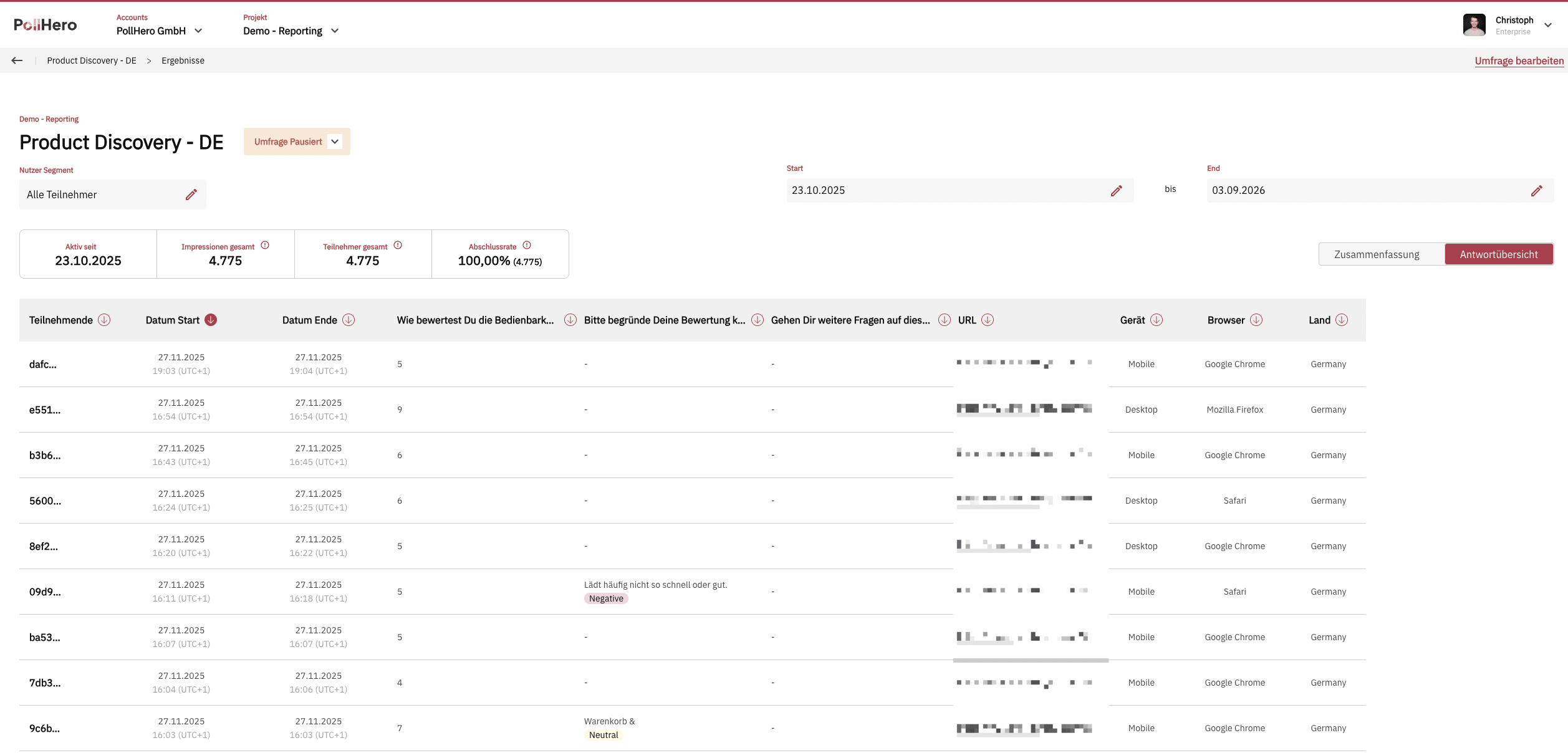
In the Response Overview, you can see all information at the level of individual respondents—similar to the CSV file from the reporting.

Additionally, you can use segments here as well.
How we count impressions, responses and rates

Previous Page

Segmented reporting

Next Page