KLAR (getklar.com)
For your post-purchase attribution, you can capture the responses including the order ID and add them to KLAR as a Custom Post Purchase Survey Sheet.
Activating the KLAR integration in PollHero
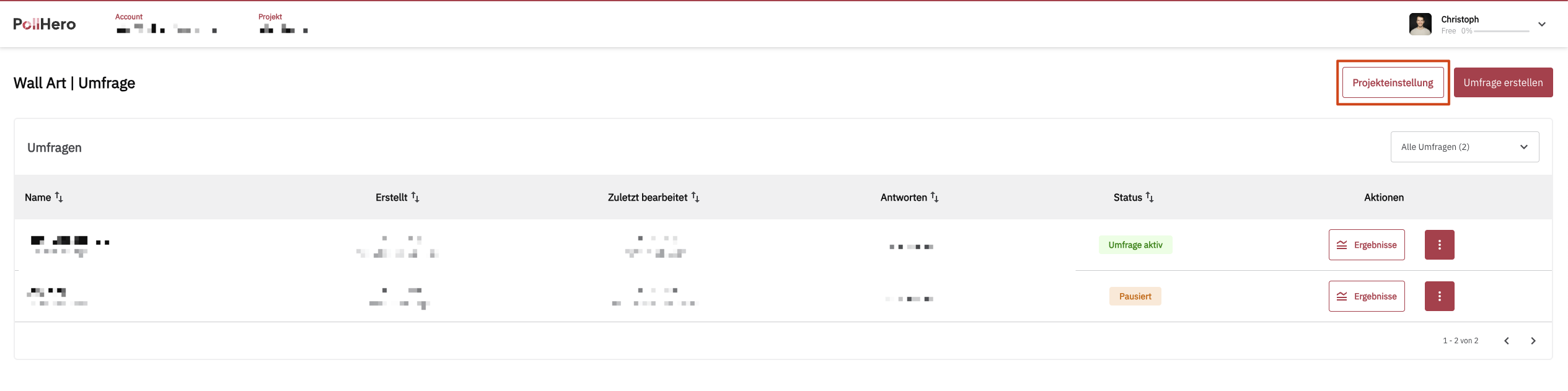
To activate the KLAR integration, navigate to your project settings.
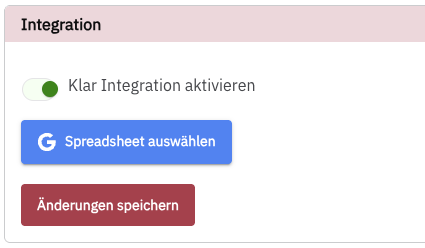
There, set the Activate Klar Integration toggle to ON and you will see a button to authenticate with Google.
Click this button and grant access permissions via Google.
Adding Google Sheets to the PollHero project
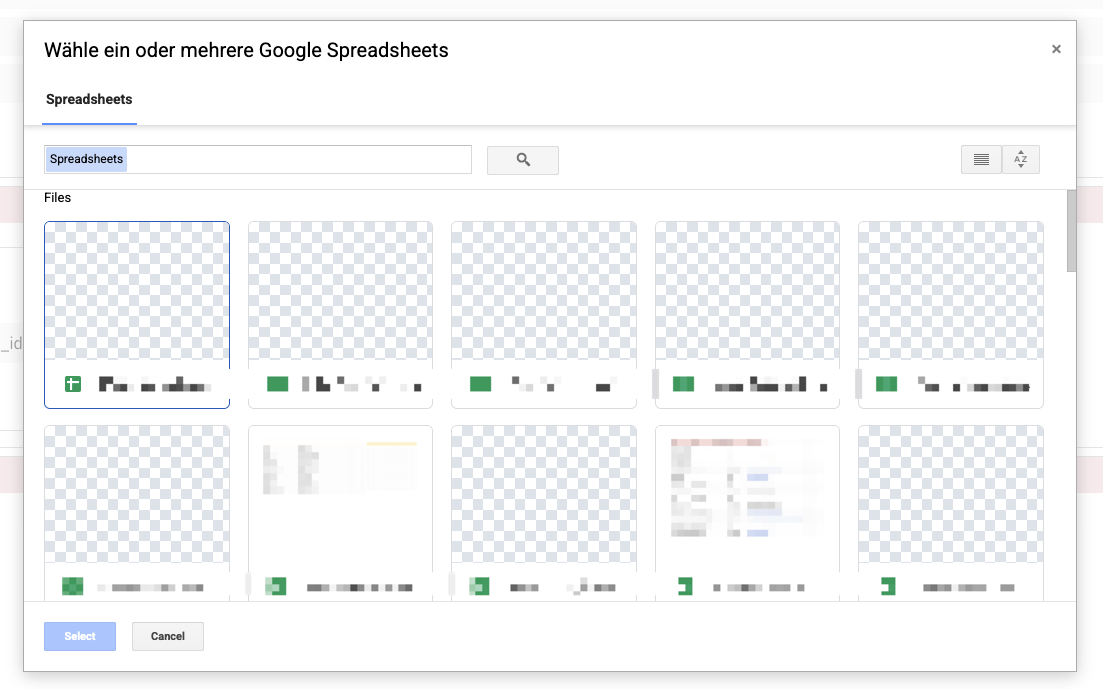
After successful authentication, a popup will appear in which you can select all Google Sheets to which data from your surveys should be transmitted.
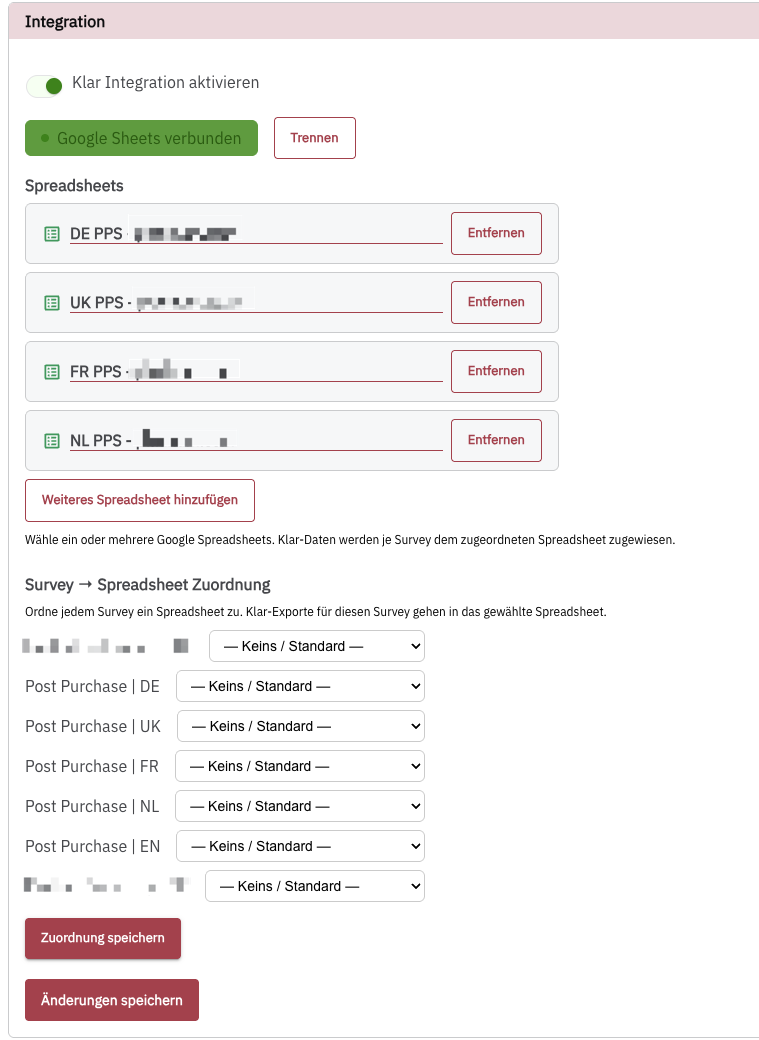
After you have selected the correct sheet, you can add additional sheets via the Weiteres Spreadsheet hinzufügen button.
These can then be assigned to the correct sheets in the survey list below. Confirm these settings with the Zuordnung speichern button.
Selecting which questions/answers should be transmitted to KLAR
For post-purchase attribution, you typically use a single question (with possible follow-up questions/logic).
The question is usually something like:
Where did you first hear about us?
Navigate to the corresponding question in your survey and activate the Send to Klar option at the bottom.
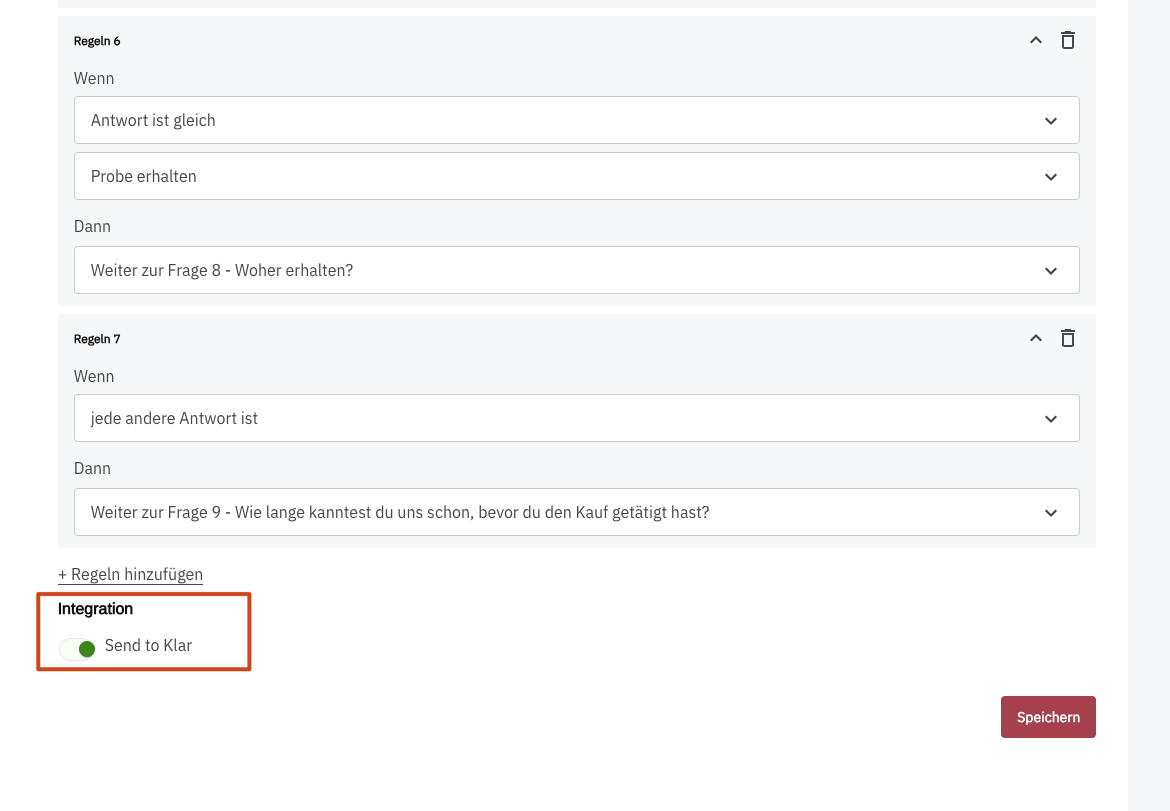
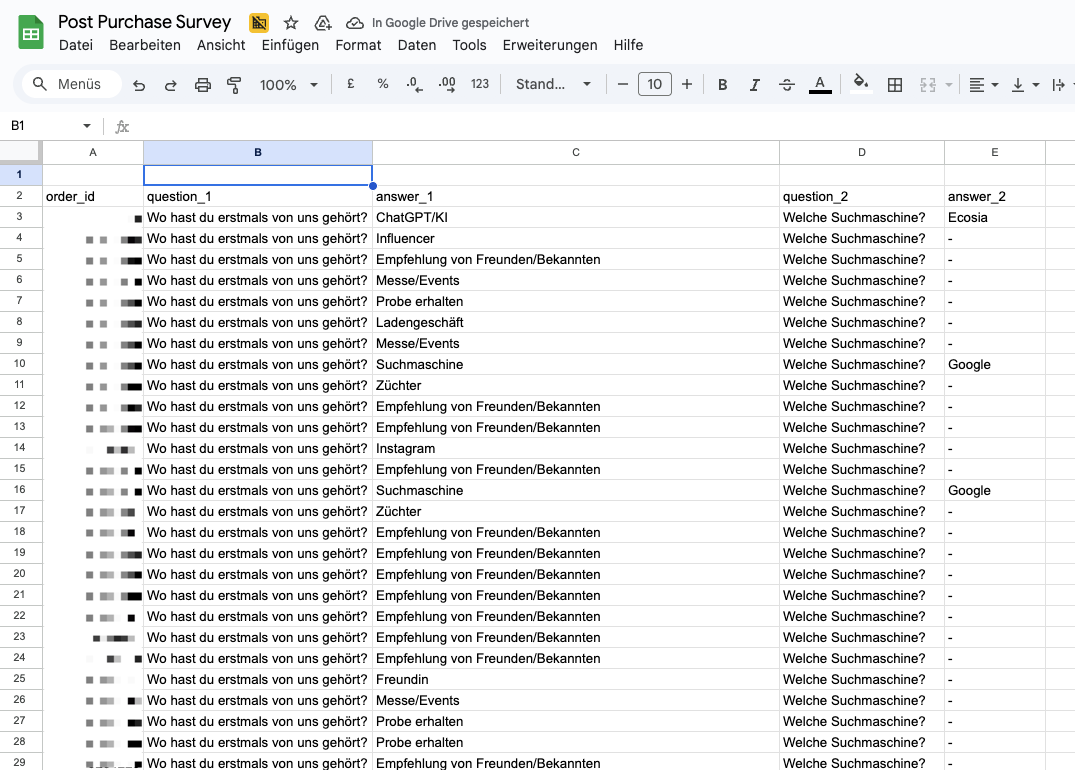
This will prepare this question with the information question_1 and answer_1 accordingly so it can be transmitted to KLAR.
If you activate this for another question, it will appear in the export as question_2 and answer_2:
Inserting a purchase tracking script
To send purchases to PollHero, you must trigger a conversion script with each purchase:
window.PH_API = window.PH_API || [];
window.PH_API.push({
  event: "purchase",
  transaction_id: "{{dlv - ecommerce.transaction_id}}",
  value: {{dlv - ecommerce.value}},
  tax: {{dlv - ecommerce.tax}},
  shipping: {{dlv - ecommerce.shipping}},
  currency: "{{dlv - ecommerce.currency}}",
  coupon: "{{dlv - ecommerce.coupon}}",
  items: {{dlv - ecommerce.items}}
});
The example shown here uses the common Google Tag Manager variables from the dataLayer, but your individual syntax may differ!
The required values in any case are transaction_id, value, and currency.
You can find out how purchases are linked to survey responses in Use of cookies & localStorage. You can also use the purchase data in e-commerce targeting.