ABlyft
This documentation describes the use of the native ABlyft integration, which allows experiment IDs and variation IDs to be transmitted from ABlyft to PollHero. This is required to perform a segmented analysis of survey results based on experiments and/or variants. Conversion optimization teams and A/B testers can thus incorporate experiment data into their surveys.
The integration uses the hook experimentViewed: The event is triggered every time the experiment runs for the user (e.g., on every page request, provided the targeting conditions are met).
Activating the integration
Navigate to Integrations within your ABlyft project and activate the PollHero integration:
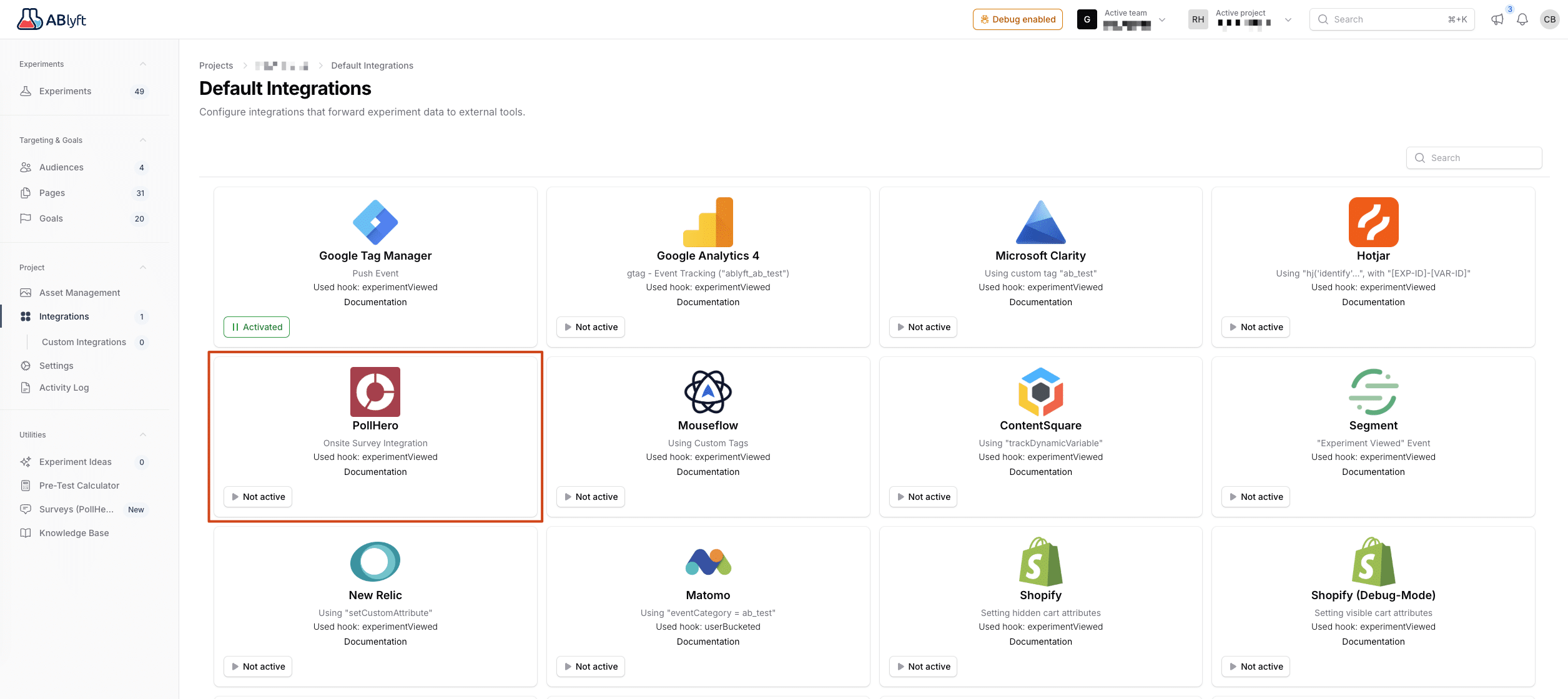
After activation, the experiment details will be automatically transmitted to PollHero.
Analysis based on experiments and variants
Within PollHero reporting, you can use the segmentation function to create one or more segments for users who were part of an experiment or a variant.
To do this, create a segment from the User category:
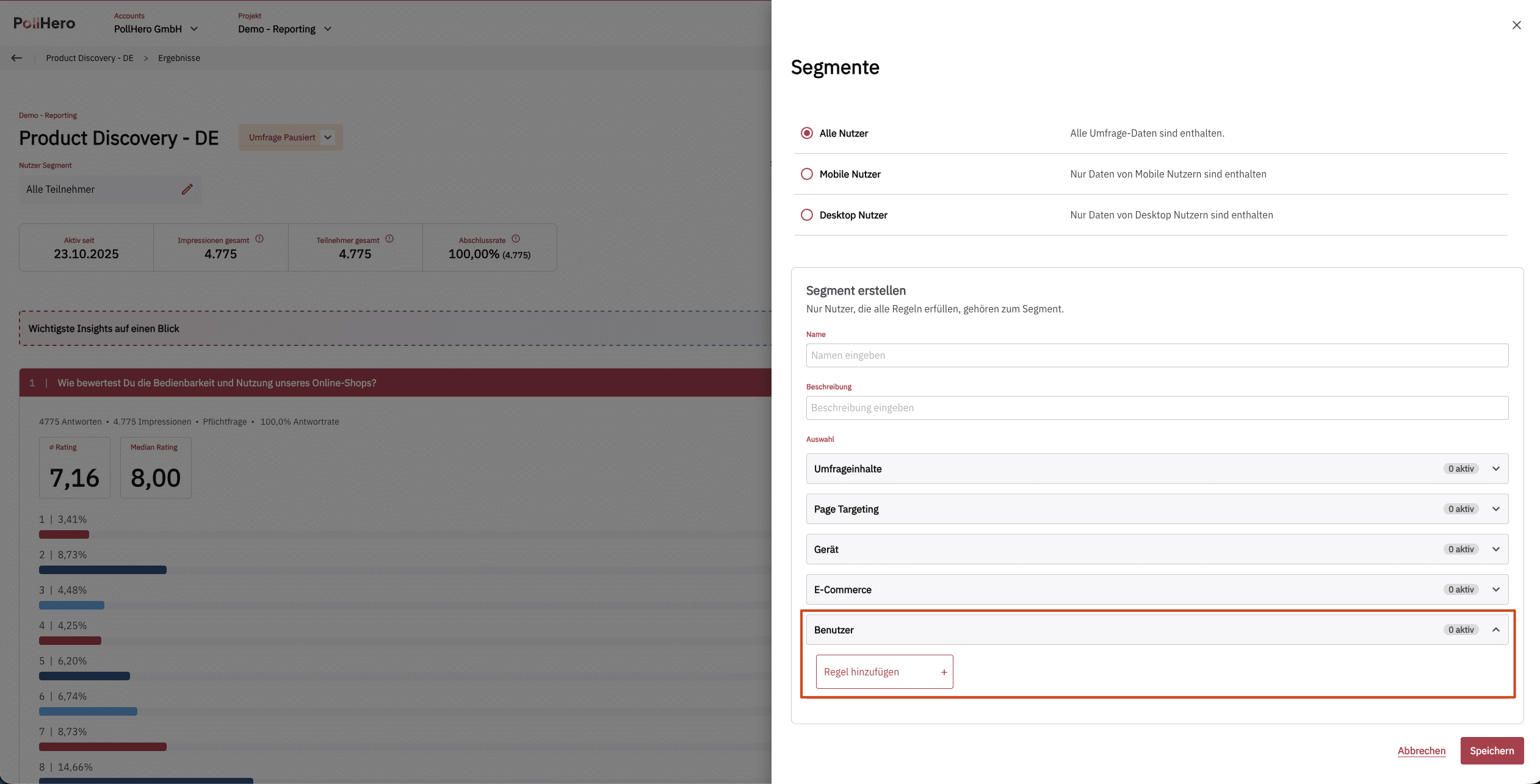
There you have the options ABlyft Experiment ID and ABlyft Variation ID.
You can find the experiment ID and variation ID in ABlyft within the Experiment Summary:
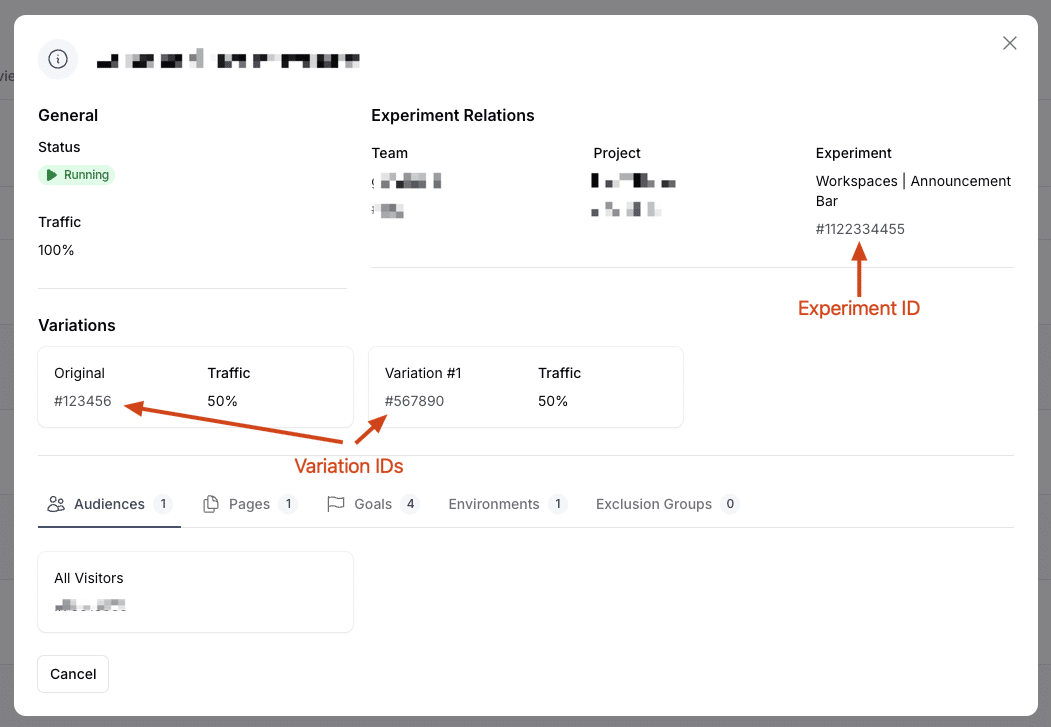
You can then use these IDs in the PollHero segments:
