Survey types
Create survey
We will help you create your survey.
- Log in to app.poll-hero.com
- Select your project
- Click Create Survey in the upper right corner
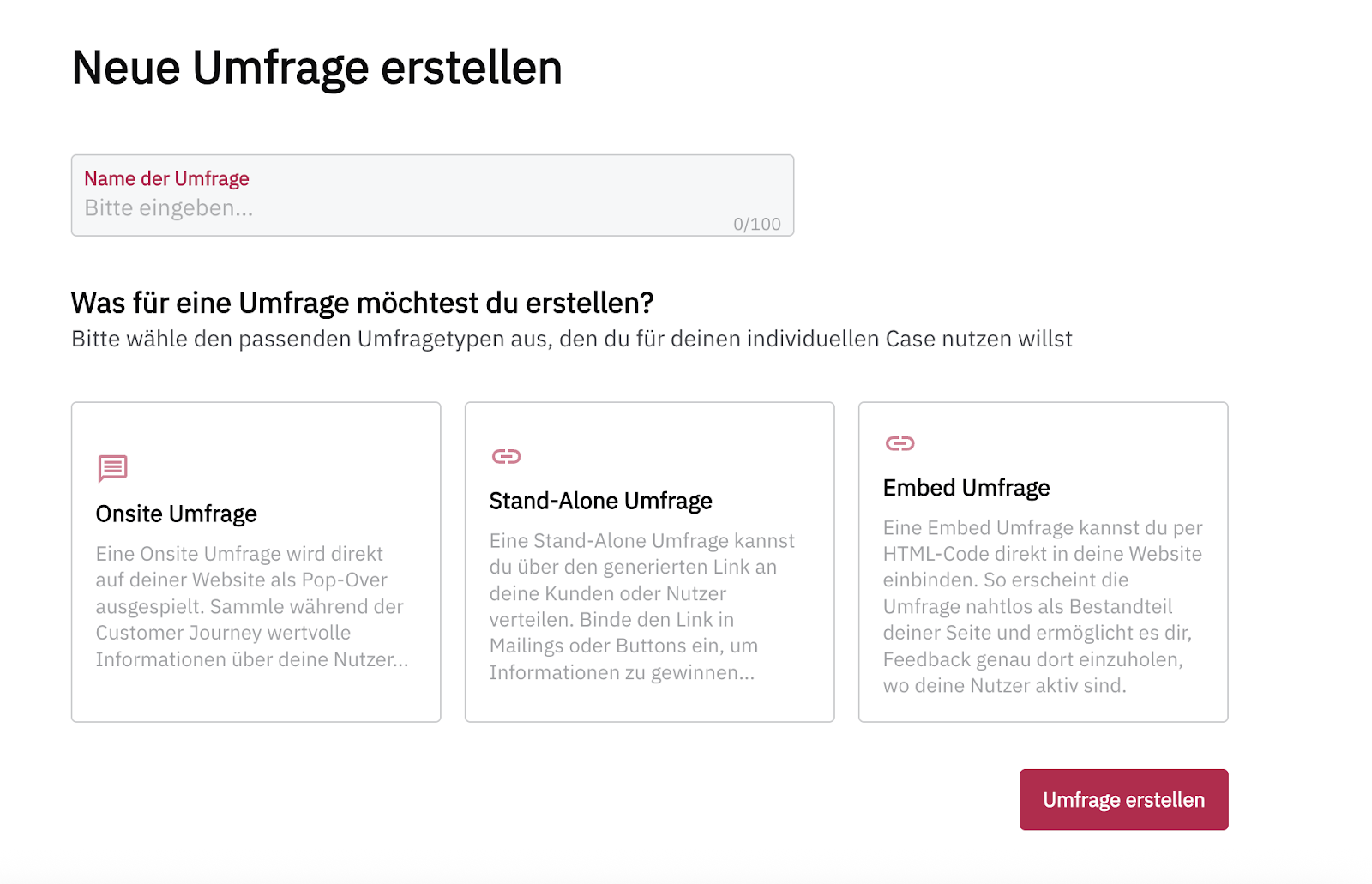
You are now on the Create New Survey screen and can give your survey a name.
You can also select the type of survey you want to create:
- Onsite survey: The survey is displayed as an overlay on your website.
- Stand-Alone survey: You can share the survey with your customers via a link, for example in a newsletter or through a button on your website. It is displayed on a separate page with its own URL.
- Embedded survey: You can integrate the survey directly into the HTML code of your website and display it seamlessly on your site.
- Embedded Mail: The first question of the survey is displayed directly in an email. After that, the survey continues as a Stand-Alone survey.
Your survey is automatically saved every two minutes.
Learn more about creating the different survey types:
In the PollHero Free Plan, you can only create Onsite surveys. To create Stand-Alone surveys or Embedded surveys, you need at least the Growth Plan.
You can find an overview of the plans on our pricing page.