Short Free Text
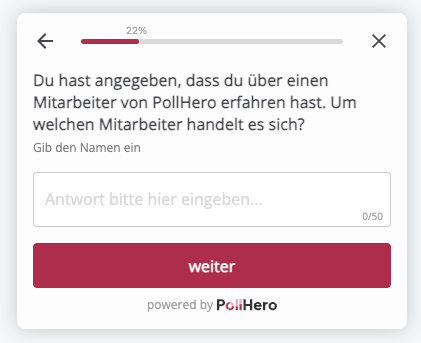
Your respondents can answer your questions or provide feedback in short text responses. With a Short Free Text question, you can determine the maximum response length in characters yourself. By default, the maximum response length is 25 characters.
Short Free Text questions are well-suited for brief inquiries, such as which city or state respondents are from.
Settings:
- You can set whether the question should be mandatory.
- You can set the maximum response length (in characters) by typing a number into the gray field. The default setting is 200 characters.
- You can also set the placeholder text displayed in the response field. Of course, you can keep the default text
Please enter your answer.
Logic: You can add logic with if/then rules:
If answer contains/does not contain/the question was answered/the question was not answered,
then show the Thank You Message/close the survey/go to question X.
If you select “answer contains/does not contain,” you can enter a word you want to filter by in the Enter term field. If this word appears in the free-text answer, you can direct your respondents to a further question. For example, if you ask how respondents like the insurance overview after the website relaunch and want to focus specifically on navigation, you can filter out responses containing the word navigation and ask those respondents additional questions about navigation. Or conversely: if the word navigation does not appear in their response, you can ask them a follow-up question about navigation.