Account & projects
Profile management
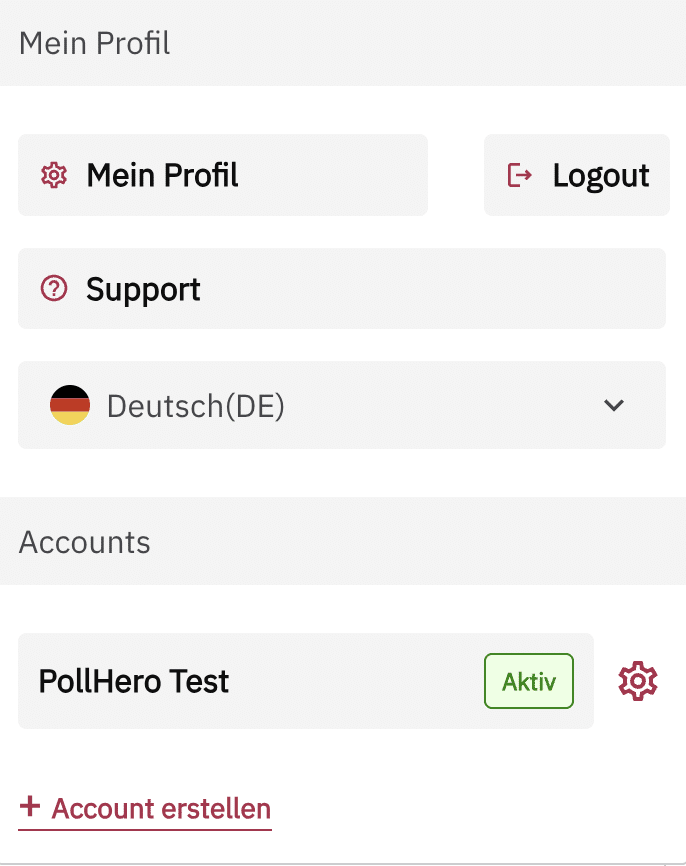
You can find your profile by clicking the arrow next to your name in the upper right corner. A menu will open. Under the first item, Profile, you can access your profile.
User profile
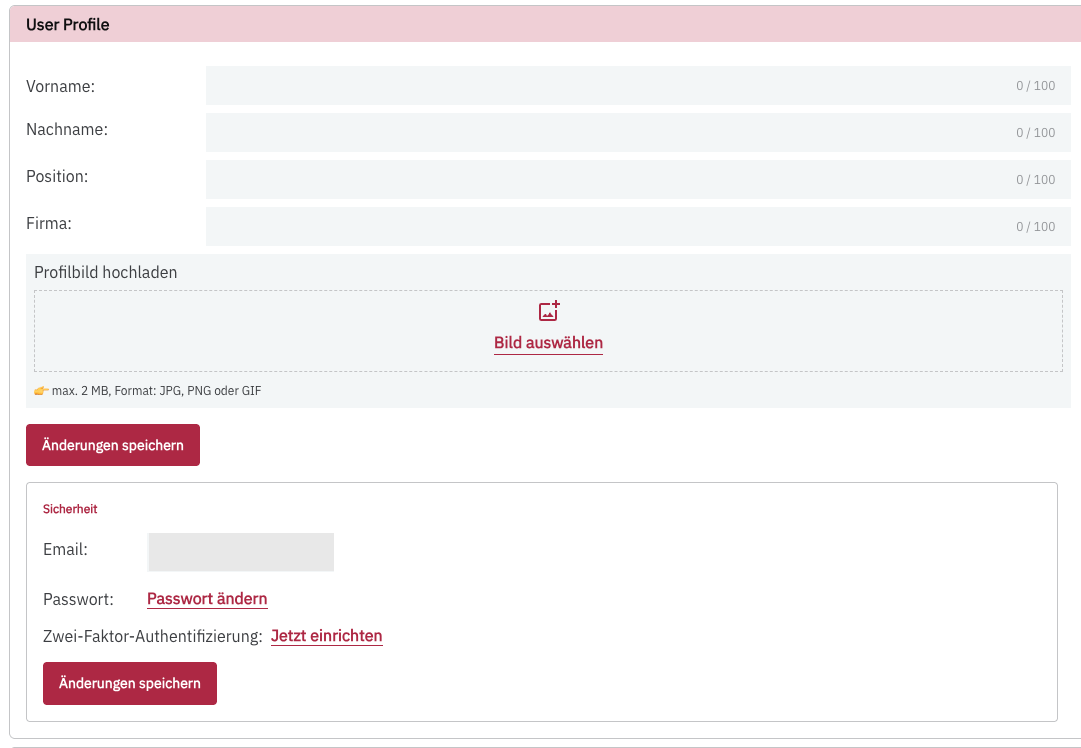
In this section, you can change your first and last name, enter your job position and company, and upload a profile picture.
You can also change your email address and password and set up two-factor authentication.
Organization
If you work for multiple companies that have a PollHero account, the companies and your corresponding permissions will be listed here. This is particularly relevant for agencies or freelancers.