Default styles at project level
Default styles at the project level allow you to create surveys consistently in the same design, aligned with your corporate identity and corporate design – without having to restyle each survey individually.
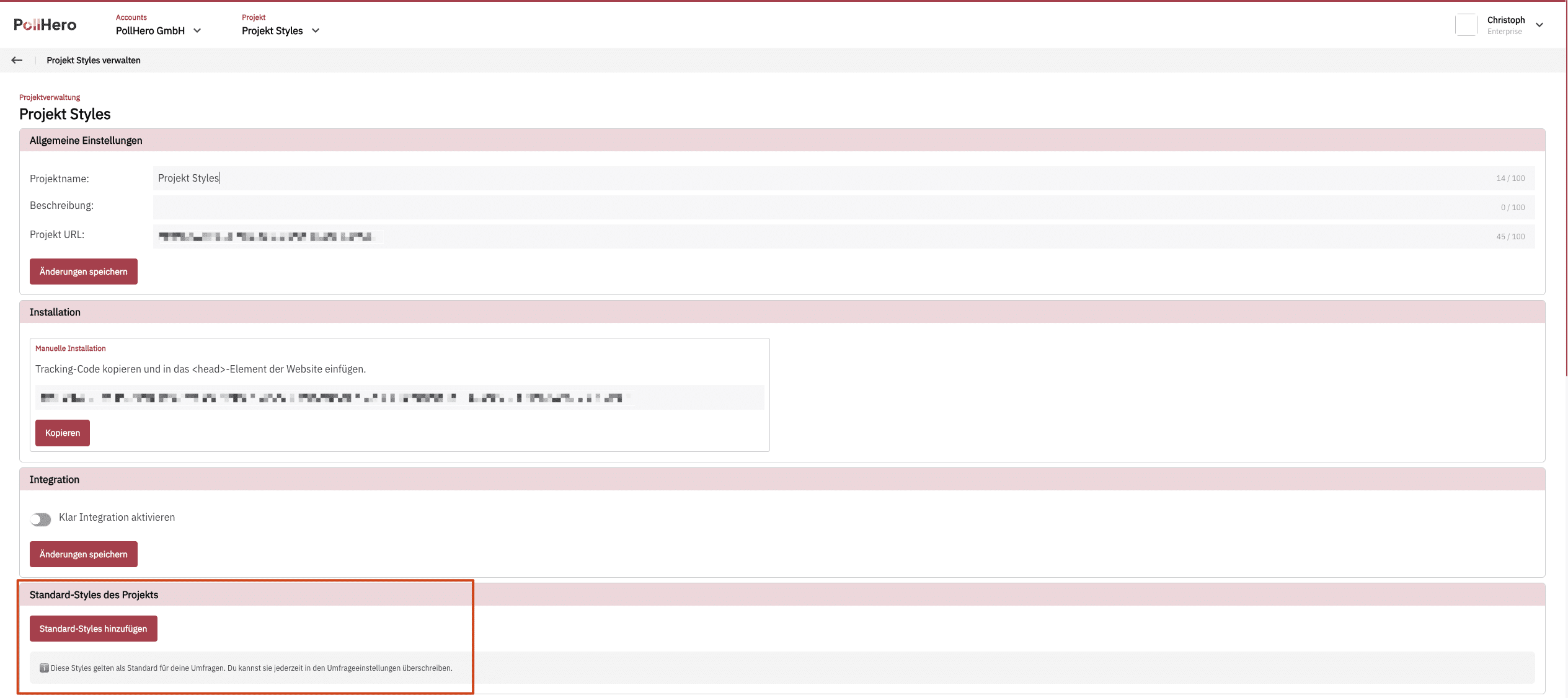
These styles serve as the default for your surveys. You can override them at any time in the survey settings.
You can find the default styles under Projekteinstellungen → Standard-Styles des Projektes.

Definable styles
Within the project styles, you can define the following settings for all surveys to be created:
- Color
- Button Color
- Button Text Color
- Survey Background Color
- Survey Text Color
- Typography
- Header & Branding
- Survey Header
- Custom Logo
- Avatar & Progress Bar
- Progress Bar
- Custom CSS
Changing styles in an individual survey
In the Style tab of each survey, you will see the following notice at the top:
 We are using your predefined project styles. You can override these at any time with individual settings in this survey.
Additionally, you can recognize by the “Link” icon that the styles are being pulled from the predefined project styles.
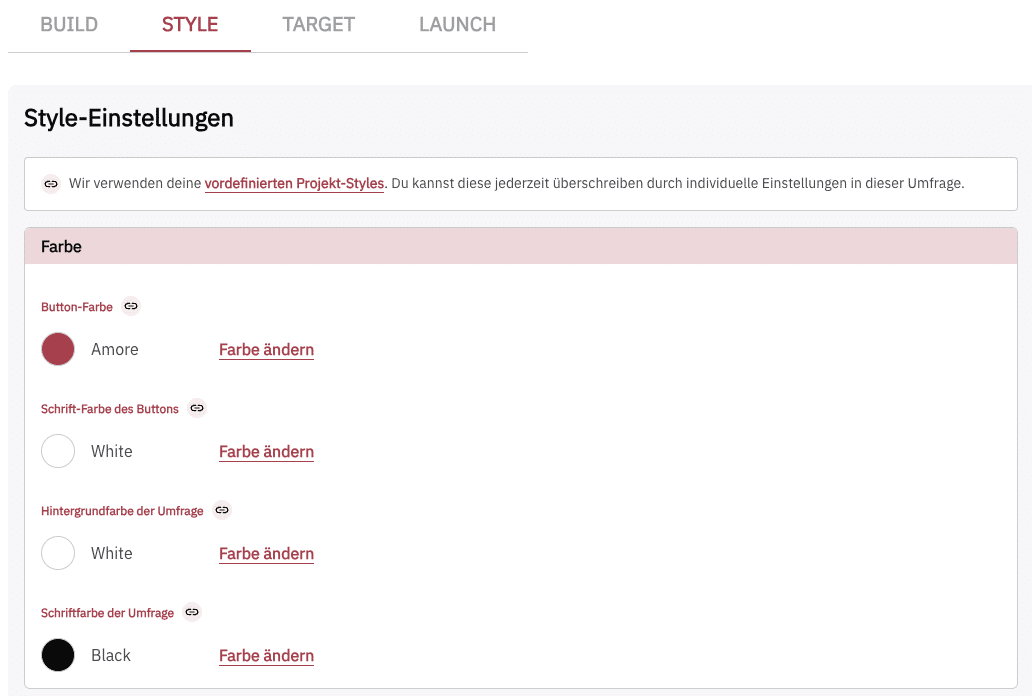
However, you can still adjust any styling in the survey as usual and tailor it to the specific needs and requirements of that survey.
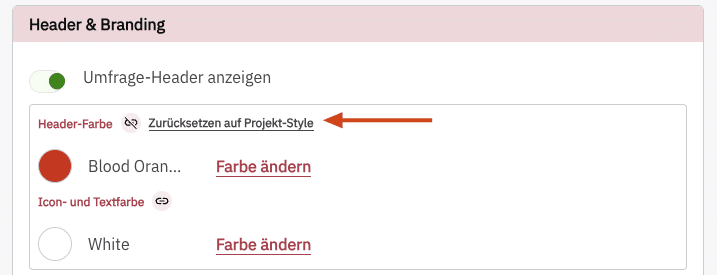
If you modify a style linked to the project styles, the icon changes to the disconnected icon  .
.
Furthermore, you can reload the original styles from the project settings for that section at any time by clicking Zurücksetzen auf Projekt-Styles.